
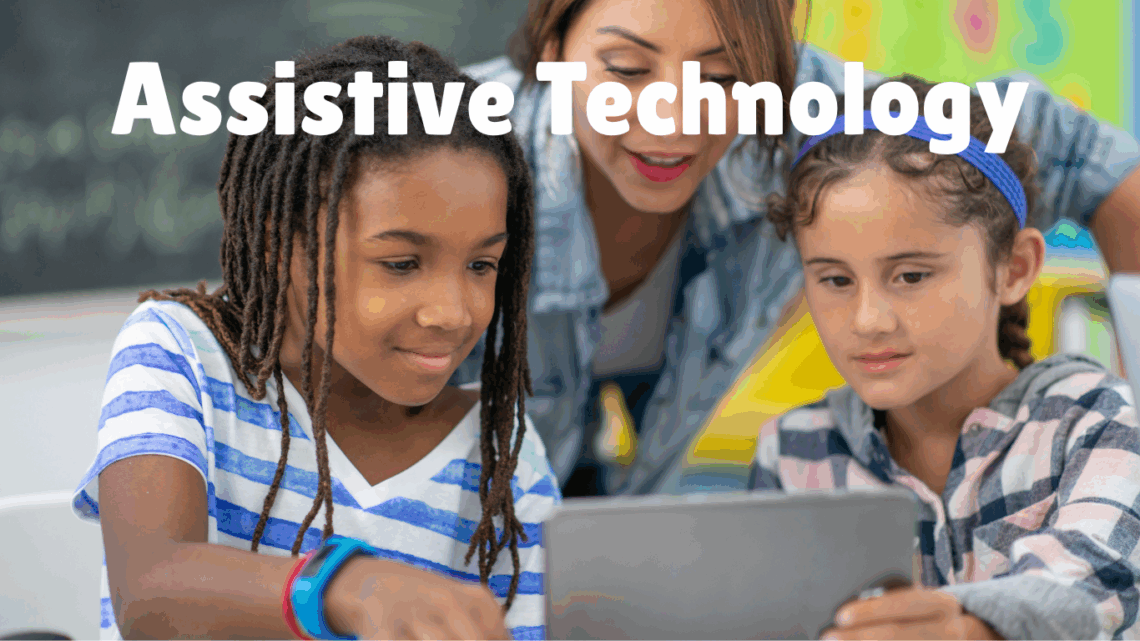
Using Assistive Technology to Support Your Students
As teachers, we know that every classroom is full of unique learners with diverse strengths, needs, and ways of understanding the world. Assistive technology (AT) is a game-changer in helping us create lessons that support all students—especially those with learning differences or disabilities. When thoughtfully integrated into daily teaching, AT can unlock potential, boost independence, and make learning more accessible and engaging.
What is Assistive Technology?
Assistive technology includes tools and devices designed to help students overcome challenges related to reading, writing, communication, mobility, and more. In the K-12 setting, AT might be as simple as using audiobooks or graphic organizers, or as advanced as speech-to-text software, screen readers, or specialized communication devices.
Why Use Assistive Technology in Your Classroom?
-
Increase Accessibility: Assistive Tech allows students to participate in lessons that they otherwise would not have been able to.
-
Encourage Independence: AT tools that help students communicate and learn allow them to work more independently when they otherwise needed support. This can help them build their confidence in themselves.
-
Personalize Learning: AT can help you create lessons that are catered to students’ needs abilities and learning styles.
-
Boost Engagement: AT can keep students motivated and focused, which can lead to better learning outcomes.
How to Start Incorporating Assistive Technology
-
Know Your Students’ Needs: Use observations, assessments, and conversations with students, parents, and other staff members to identify what specific needs your student may have that can be addressed by AT.
-
Make It Part of Your Routine: Use assistive tools regularly—don’t reserve them only for special occasions. For example, encourage students to use speech-to-text apps during writing tasks or audiobooks during reading time. When a student is using the technology for the first time on testing, it can create more issues with them not knowing how to use it. Having them use it all the time, the will be more familiar and comfortable.
-
Get Training and Practice: Learn how to use the technology yourself and support your students in becoming comfortable and confident users. This can be challenging because if you are the special education teacher (as I am) there may not be any one in your district that knows about AT and knows how to use it. I often have to seek out training from the internet through other websites and YouTube videos.
-
Collaborate with Support Staff: Work closely with special education teachers, occupational therapists, and AT specialists to choose the right tools and strategies. In my building I find the OT is a great resource for AT questions.
Assistive Technology Ideas for K-12 Classrooms
-
Reading: Tools like text-to-speech apps and audiobooks support students with dyslexia or visual impairments.
-
Writing: Speech-to-text software and word prediction tools can help students who struggle with handwriting or spelling. If you are a Google district, like I am, there is a speech to text feature built into Google Doc.
-
Math: Talking calculators and tactile math materials aid learners who find numbers challenging.
-
Communication: Augmentative and alternative communication (AAC) devices let non-verbal students share their ideas and participate fully.
Also, you may want to check out:
Accommodations to support students with Dyscalculia
Accommodations to support students writing
Join the newsletter
Subscribe to get our latest content by email.